
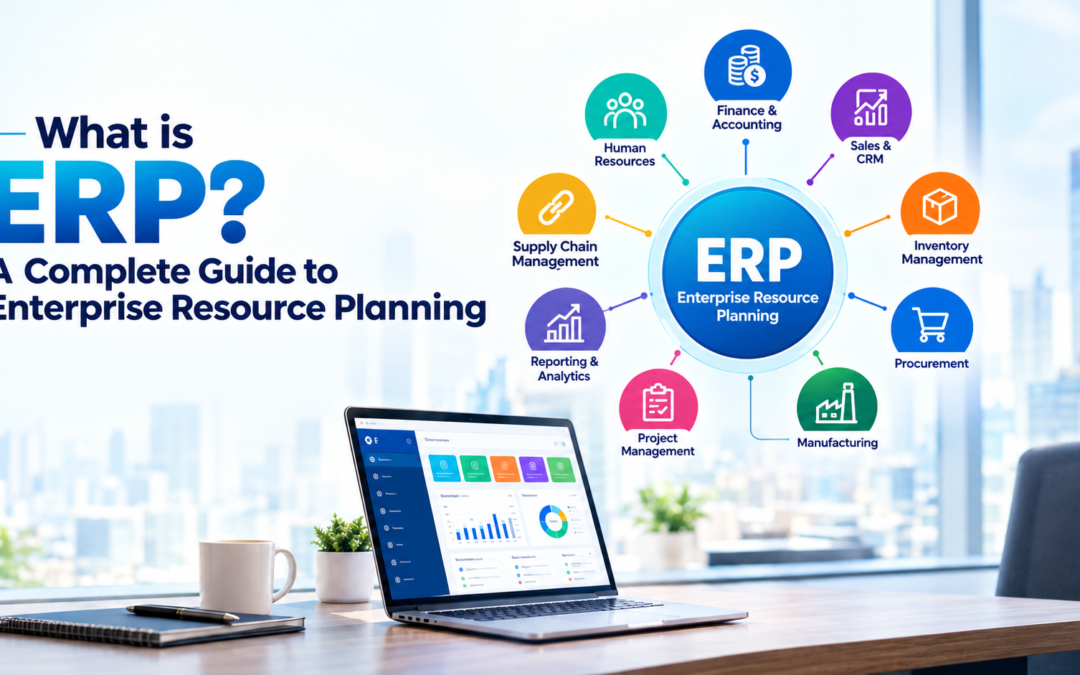
What Is ERP? A Complete Guide to Enterprise Resource Planning
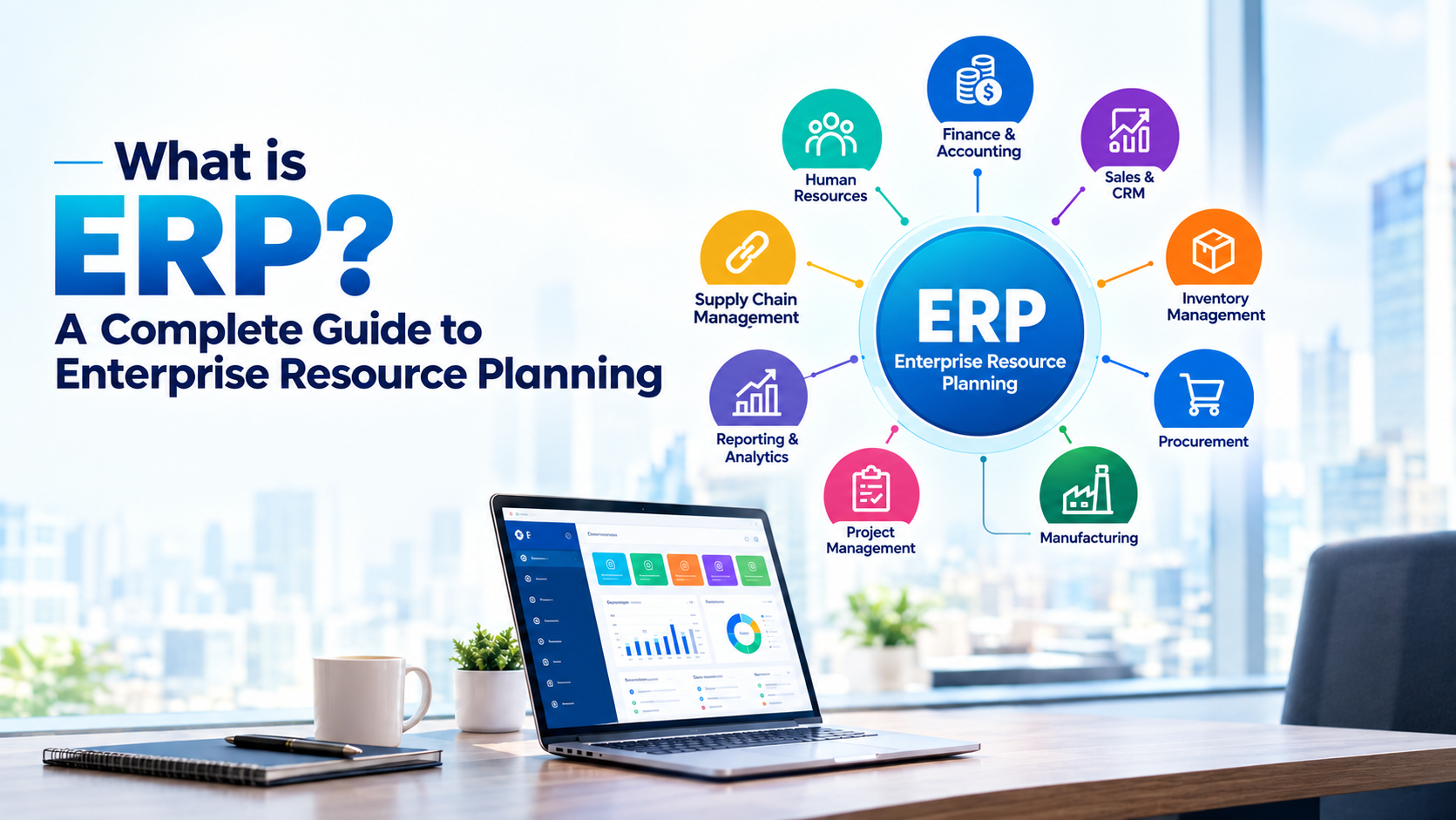
What Is ERP? A Complete Guide to Enterprise Resource Planning
Businesses today manage large amounts of information across finance, sales, inventory, procurement, human resources, manufacturing, projects, and customer operations. When these functions are managed using disconnected systems, businesses can face duplicate data, manual processes, limited visibility, and inefficient workflows.
Enterprise Resource Planning (ERP) helps address these challenges by connecting core business processes through an integrated software system. Instead of maintaining separate systems for different departments, an ERP system can provide a centralized platform where business data and workflows work together.
But what is ERP, how does it work, and why is it important for modern businesses?
Let’s explore.
What Is ERP?
ERP stands for Enterprise Resource Planning. An ERP system is business management software designed to integrate and manage an organization’s core business processes through a connected system.
Depending on the ERP solution and business requirements, it can support areas such as:
- Finance and accounting
- Sales
- Purchasing and procurement
- Inventory management
- Supply chain management
- Manufacturing
- Human resources
- Project management
- Customer relationship management
- Reporting and analytics
The main idea behind ERP is to connect business functions and provide consistent access to business information. Modern ERP platforms can provide a centralized source of data, automate repetitive workflows, and give management better visibility into operations.
Simple Example of ERP
Consider a company that sells and distributes products.
Without an ERP system, the sales team might maintain customer orders in one application, the inventory team might use spreadsheets, the finance team might use accounting software, and management might depend on manually prepared reports.
With an ERP system, these processes can be connected.
For example:
Customer Order → Sales → Inventory → Procurement → Delivery → Invoice → Accounting → Reporting
When these processes are connected, information can move between departments without requiring employees to repeatedly enter the same data.
How Does an ERP System Work?
An ERP system generally works through integrated modules that share data through a common database or connected data architecture.
Each department can use the functions relevant to its responsibilities while authorized users can access information needed for their work.
For example:
Sales Team
Creates a customer order.
↓
Inventory Team
Checks product availability.
↓
Procurement Team
Creates a purchase request when stock is insufficient.
↓
Finance Team
Processes the invoice and payment.
↓
Management
Reviews sales, inventory, purchasing, and financial reports.
This connected approach helps reduce information silos and provides a more unified view of business operations.
Key ERP Modules
ERP software is usually organized into different modules. Businesses can select the modules that match their operational requirements and expand the system as their needs grow.
1. Finance and Accounting
The finance module helps businesses manage financial operations such as:
- Accounts payable
- Accounts receivable
- General ledger
- Invoicing
- Expenses
- Financial reporting
- Cash-flow management
By connecting financial information with other business activities, companies can gain better visibility into their financial performance.
2. Sales Management
ERP sales functionality can help businesses manage:
- Quotations
- Sales orders
- Customer information
- Pricing
- Invoicing
- Sales reporting
Connecting sales with inventory and finance can make order processing more efficient.
3. Inventory Management
Inventory management is important for businesses that purchase, manufacture, store, or distribute products.
ERP inventory functionality can help businesses monitor:
- Stock levels
- Product movements
- Warehouses
- Reordering
- Receipts
- Deliveries
This can provide better visibility into inventory across business operations.
4. Procurement
Procurement modules help businesses manage purchasing activities from suppliers.
Typical functions include:
- Purchase requests
- Purchase orders
- Supplier management
- Vendor pricing
- Goods receipts
- Purchase reporting
Integrating procurement with inventory and finance can improve purchasing workflows.
5. Human Resources
ERP systems can also include HR capabilities for managing employee-related processes.
Depending on the platform, these can include:
- Employee records
- Recruitment
- Attendance
- Leave management
- Payroll
- Performance management
6. Manufacturing
For manufacturing organizations, ERP software can connect production activities with inventory, procurement, sales, and finance.
Manufacturing functionality may include:
- Bill of materials
- Manufacturing orders
- Production planning
- Work orders
- Quality management
- Maintenance
7. Project Management
Project management functionality can help businesses manage:
- Projects
- Tasks
- Timesheets
- Project costs
- Budgets
- Project profitability
8. Reporting and Analytics
ERP reporting provides businesses with visibility into operational and financial performance.
Modern ERP systems increasingly include dashboards, analytics, automation, and AI capabilities to help organizations analyze information and make faster decisions.
What Are the Benefits of ERP?
Implementing an ERP system can provide several benefits when the solution is properly selected, configured, and adopted.
1. Centralized Business Data
One of the major advantages of ERP is having business information connected through a centralized system.
Instead of relying on multiple disconnected spreadsheets and applications, employees can work with shared business information.
This can improve data consistency and reduce duplicate data entry
2. Improved Operational Efficiency
ERP software can automate repetitive activities and connect workflows between departments.
For example, an order can trigger related inventory, delivery, invoicing, and accounting processes.
Automation can reduce manual work and allow employees to focus on higher-value activities.
3. Better Business Visibility
ERP dashboards and reports can provide management with a clearer view of business performance.
Businesses can monitor information such as:
- Revenue
- Expenses
- Inventory
- Sales
- Purchasing
- Customer orders
- Project performance
This supports more informed business decisions.
4. Reduced Data Silos
When departments use separate systems, information can become fragmented.
ERP connects business processes so that different teams can work with related information from the same system.
This can improve collaboration between departments.
5. Faster Reporting
Connected business data can make it easier to generate operational and financial reports.
Instead of collecting information manually from multiple systems, management can access reports and dashboards from the ERP platform.
6. Scalability
Modern ERP solutions can support businesses as they grow.
Organizations can add users, processes, modules, locations, and integrations as their requirements change.
Cloud ERP can also provide flexibility for organizations operating across multiple locations
What Is Cloud ERP?
Cloud ERP is an ERP system delivered through cloud infrastructure rather than relying entirely on locally managed servers.
Cloud-based ERP can allow authorized users to access business applications and data through internet-connected devices.
Some advantages of cloud ERP can include:
- Flexible access
- Scalability
- Easier updates
- Reduced infrastructure management
- Support for distributed teams
- Integration with modern technologies
Modern cloud ERP platforms are also increasingly incorporating AI, automation, analytics, and intelligent assistants.
ERP vs Traditional Business Software
Traditional business software often addresses a specific business function.
For example:
Accounting Software → Finance
Inventory Software → Stock
CRM → Customers and Sales
HR Software → Employees
An ERP system aims to connect multiple business functions within an integrated environment.
Traditional Approach
Sales Software
↓
Manual data transfer
↓
Inventory Software
↓
Manual data transfer
↓
Accounting Software
ERP Approach
Sales → Inventory → Procurement → Finance → Reporting
The exact capabilities depend on the ERP platform and how it is implemented, but integration is one of the fundamental characteristics of ERP.
ERP vs CRM: What Is the Difference?
ERP and CRM are related but serve different primary purposes.
ERP focuses mainly on internal business operations such as:
- Finance
- Procurement
- Inventory
- Manufacturing
- Supply chain
- Projects
- Operations
CRM focuses primarily on customer-facing processes such as:
- Leads
- Sales opportunities
- Customer relationships
- Marketing
- Customer service
Businesses may use ERP and CRM separately or integrate them so customer, sales, operational, inventory, and financial information can work together.
When Does a Business Need ERP?
ERP can become particularly valuable when a business starts experiencing operational complexity.
Common signs include:
- Multiple disconnected software systems
- Duplicate data entry
- Frequent spreadsheet dependency
- Difficulty tracking inventory
- Manual financial reporting
- Limited visibility into business performance
- Growing numbers of employees or locations
- Complex procurement processes
- Difficulties connecting sales with operations
- Increasing integration requirements
The need for ERP depends on the company’s size, industry, processes, growth plans, and technology environment.
What Is ERP Implementation?
ERP implementation is the process of introducing an ERP system into a business and configuring it to support the organization’s processes.
A typical ERP implementation may involve:
1. Business Requirement Analysis
Understanding existing workflows, challenges, and business requirements.
2. ERP Selection
Selecting an ERP platform that fits the company’s operational and technical needs.
3. Process Configuration
Configuring ERP modules and workflows according to business requirements.
4. Data Migration
Moving relevant business data from existing systems into the ERP environment.
5. Integration
Connecting the ERP system with other required applications, platforms, APIs, payment systems, or third-party tools.
6. Testing
Testing workflows, data, integrations, permissions, and reports.
7. Training
Helping employees understand how to use the new system effectively.
8. Go-Live and Support
Launching the ERP system and providing ongoing support, optimization, and maintenance.
Careful planning, data preparation, testing, and change management are important because ERP implementation can affect multiple departments and business processes.
How Odoo Fits Into ERP
Odoo is an example of an integrated business management platform that provides applications for different business functions.
Depending on business requirements, organizations can use Odoo applications for areas such as:
- CRM
- Sales
- Accounting
- Inventory
- Purchase
- Manufacturing
- Human Resources
- Project Management
- Website
- eCommerce
The modular approach allows businesses to implement the applications they need and expand their ERP environment as their requirements evolve.
For organizations considering Odoo, professional Odoo implementation, customization, integration, migration, consulting, and support can help align the platform with their business processes.
How FadelSoft Helps Businesses With ERP
At FadelSoft, we help businesses use technology to improve operations, automate workflows, and build connected business systems.
Our ERP-related services can include:
- ERP Consulting
- Odoo Implementation
- Odoo Customization
- Odoo Integration
- Odoo Migration
- Odoo Support
- Business Process Automation
- ERP Optimization
The goal is not simply to install ERP software. A successful ERP solution should align technology with the way a business operates.
By understanding business processes first, organizations can identify which workflows should be standardized, automated, integrated, or improved.
The Future of ERP
ERP is evolving beyond traditional business management software.
Modern ERP platforms are increasingly combining:
ERP + Cloud + Automation + Analytics + AI
AI can help organizations automate repetitive activities, identify patterns, generate insights, and support decision-making. Cloud platforms provide scalability and accessibility, while integrated analytics can provide more timely visibility into business performance.
As businesses become more digital, ERP is increasingly becoming a connected technology foundation for managing business operations.
Conclusion
So, what is ERP?
ERP, or Enterprise Resource Planning, is an integrated business software system that connects core processes such as finance, sales, inventory, procurement, HR, manufacturing, projects, and reporting.
The primary purpose of ERP is to connect people, processes, and business data in a unified environment.
For growing businesses, the right ERP solution can help improve operational efficiency, reduce manual processes, increase visibility, and support better decision-making.
Whether a business is considering Odoo ERP, cloud ERP, ERP implementation, ERP customization, or ERP integration, the right approach should begin with understanding business requirements and processes.
FadelSoft helps businesses transform their operations through Odoo, ERP, AI, custom software, and digital transformation solutions.